Before trading in an iPhone: back up, transfer, then erase
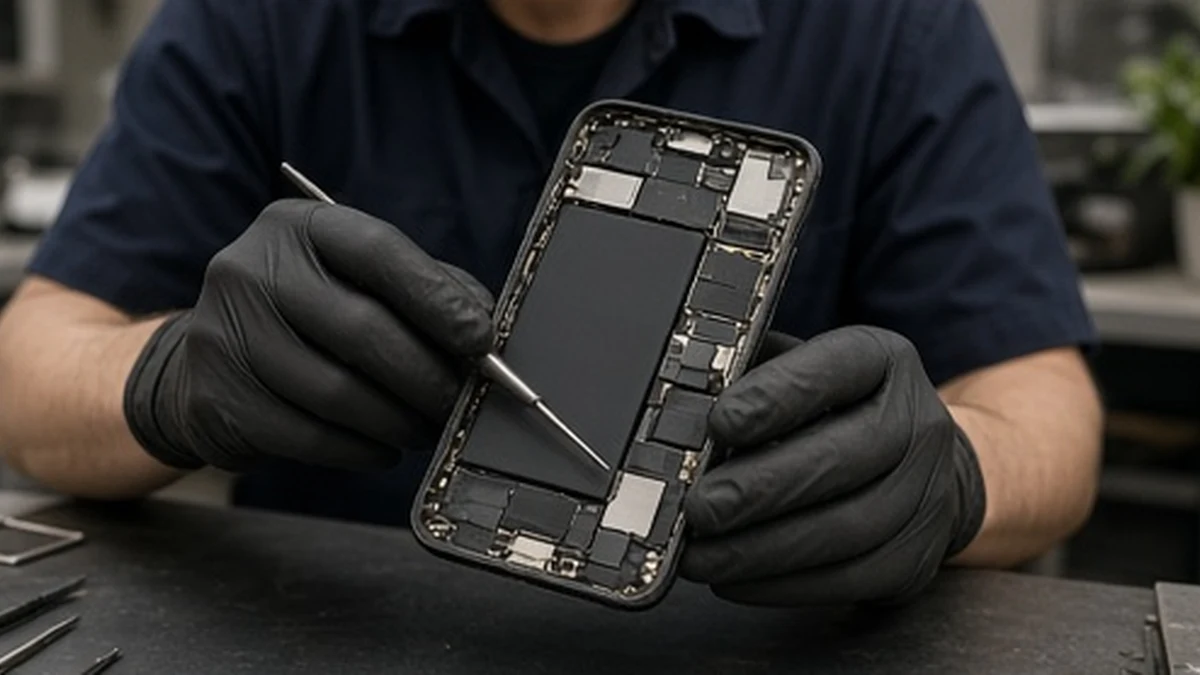
Do not start by manually deleting photos while the phone is still signed into iCloud. Apple warns that manual deletion can remove those items from iCloud and connected devices too.
Use Apple's sequence
Apple's current selling and trade-in guide starts with creating a backup and transferring information to the new device. It then covers checking Parts and Service History and removing personal information from the old device.
Confirm that important photos, messages and access to essential accounts are available on the new setup before erasing anything. If you are unsure, stop and follow the manufacturer's support process.
Prepare the old device
Apple's guide includes unpairing an Apple Watch where relevant, signing out of the Apple Account and using Erase All Content and Settings. Menu wording varies by software version, so use the linked official instructions for your device. It also addresses eSIM erasure and removing the old device from trusted devices.
Enter passwords or device codes only into the appropriate device or official account process yourself. Do not send them to a trade-in company or a directory contact form.
Keep proof of the phone's condition
Before dispatch, save the valuation and reasonable photographs of the condition and packaging. Follow the merchant's current packing and dispatch instructions, then retain the tracking and order reference. This is a practical record, not a promise that a valuation cannot change.
Compare payment type and revised-offer terms in the trade-in guide. Preparing data safely and deciding whether an offer is worthwhile are two different tasks.